MVR Monitoring vs. Telematics: Why Fleets Need Both
A driver’s telematics dashboard shows no major safety concerns. But their license was recently suspended.
Another driver has a clean motor vehicle record, yet repeatedly speeds and follows other vehicles too closely.
Which driver needs your immediate attention? Both—but either issue could go unnoticed if your team relies on only one source of information.
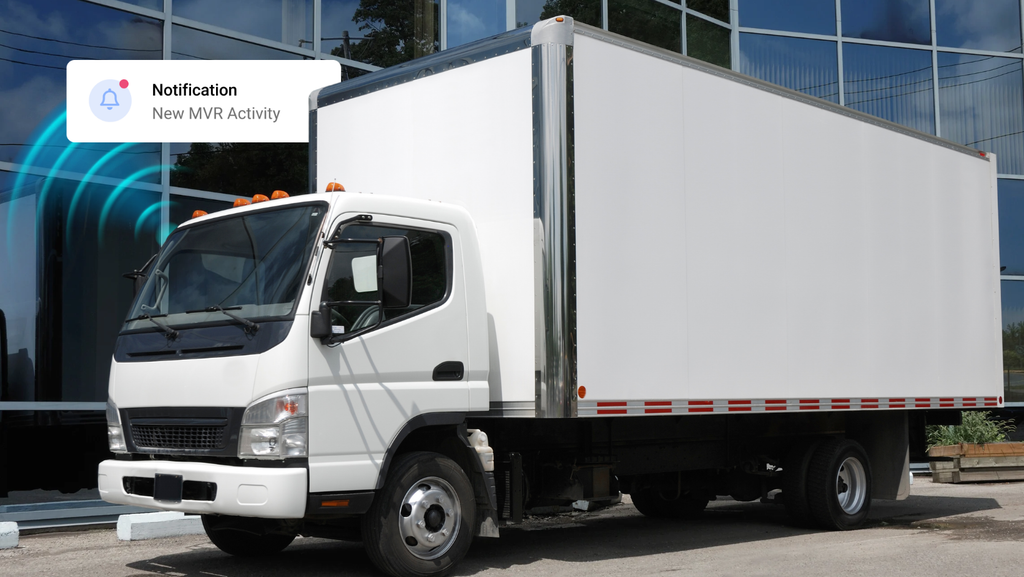
MVR Monitoring tracks reported changes to a driver’s official driving record. Telematics tracks vehicle activity and driving behavior during monitored trips. Together, they help fleets evaluate driver eligibility, identify unsafe behavior, and take informed corrective action.
Understanding the difference helps answer a practical question: How can MVR Monitoring and Telematics together provide a more complete picture of driver risk?
What Does MVR Monitoring Report
A Motor Vehicle Record (MVR) reflects a driver’s history maintained by a state licensing authority. Once pulled, it provides a snapshot of the record at that moment.
Driving records and license status can change at any time. With annual MVR checks, new convictions or suspensions could go unnoticed for months while the employee continues driving for work.
Read more: Why Self-Reporting Alone Often Fails for Fleet Safety.
Continuous MVR Monitoring helps close that gap by alerting employers to reported negative record changes between reviews. Depending on the state, these may include:
- License suspensions or revocations
- New traffic violations or convictions
- DUI-related activity
- License and medical certificate expirations
- Other changes that may affect driving eligibility.
S&R Vapor Recovery reviewed driver records periodically through its background screening provider, leaving gaps where employees continued driving without the team knowing about new violations or license changes. Switching to continuous MVR monitoring gave the team ongoing visibility through automatic updates. “I never have to worry about missing an employee’s license expiration or keeping up with their driving history — new reports are delivered automatically,” said Tracey Turner, Human Resources Manager. Read their story
What Does Driver Telematics Report
Telematics gives fleet managers visibility into vehicle activity and driving behavior during monitored trips. Using GPS, vehicle sensors, and supported cameras, these systems can identify:
- Speeding
- Harsh acceleration, braking, or turning
- Unsafe following distance
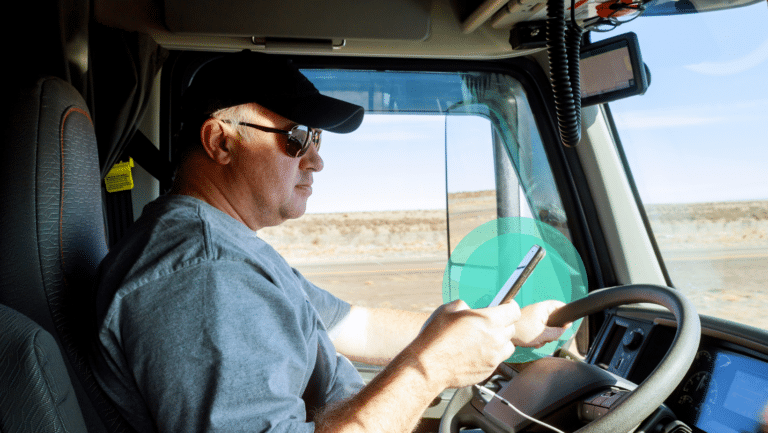
- Distracted driving or mobile phone use
- Safety scores and recurring trends
- Other detected safety events
This helps managers look beyond individual incidents to understand how frequently certain behaviors occur, whether they are becoming more serious, and which drivers may benefit from additional coaching.
MVR Monitoring vs. Telematics: How Are They Different?
MVR Monitoring and telematics provide different views of driver risk.
| Comparison | MVR Monitoring | Telematics |
|---|---|---|
| Primary data source | State Motor Vehicle Records | Connected vehicles, GPS, sensors, and cameras |
| Main focus | License status and driving record | Driving behavior and vehicle activity |
| Information Reported | Suspensions, convictions, violations, and other negative record changes | Speeding, harsh braking, acceleration, location, distraction or following distance |
| Timing | Daily, weekly, or monthly alerts. Depends on state reporting and monitoring availability | Depends on equipment, connectivity, and platform settings |
| Use | Identify changes that may affect driving eligibility and coaching | Identify behaviors that may require coaching and training |
What Could Your Team Be Missing?
A driver may have a clean MVR and still regularly speed, get distracted, or follow other vehicles too closely. If those behaviors never result in a citation, they may never appear on the driver’s record. Without visibility into daily driving, your team could miss opportunities to address them.
The same gap exists in the other direction. A driver might operate safely and maintain a strong telematics score, even though their license was recently suspended. A strong telematics score would not reveal a suspension or other license change that could affect their eligibility to drive.
Using both tools gives your team more context. MVR Monitoring helps you keep up with reported violations and license changes, while telematics reveals if risky driving behaviors occur behind the wheel. Together, they help you recognize concerns sooner and decide whether the next step is an eligibility review, coaching, or targeted training.
Why Fleets Need Both To Mitigate Risk
Research shows that both driving history and daily behavior provide valuable insight into driver risk.
The American Transportation Research Institute’s Predicting Truck Crash Involvement report found that a conviction for failing to obey a traffic sign was associated with an 85% increase in future crash likelihood, while an improper or erratic lane-change conviction was associated with a 77% increase among the drivers studied. These findings highlight why past convictions deserve attention and why identifying newly reported violations matters.
Telematics adds visibility into unsafe behaviors that may never result in a citation. Samsara’s 2026 Compounding Risk Report found that drivers exhibiting combined mobile use, distraction, and harsh braking were 5.4 times more likely than the average driver to fall into its highest risk tier. The top 10% of risk-ranked drivers accounted for 47% of crashes in its analysis.
Together, these findings support reviewing multiple sources of driver information. MVR Monitoring helps identify reported convictions and license changes, while telematics reveals behavior during monitored trips. By connecting both, safety teams gain more context to review driver eligibility, prioritize coaching, assign targeted training, and document their response.
How to Use MVR Monitoring and Telematics to Build a Stronger Driver Safety Program
Use MVR Monitoring and telematics together by reviewing driving-record changes alongside driving behavior, setting clear response procedures, assigning targeted corrective action, and tracking progress. Here’s how to put that process into practice.
1. Review MVR Changes Alongside Telematics Events
Look at reported violations and license changes together with telematics events and safety trends. If a new speeding conviction appears on a driver’s MVR, check whether telematics also shows repeated speeding. That context can help you understand the pattern and prepare a focused coaching conversation.
2. Set Clear Alert Response Procedures
Decide who reviews alerts, how quickly they should respond, and when to involve other team members. A license suspension requires a different response than an isolated harsh braking event.
Clear responsibilities help your team address concerns consistently and prevent alerts from going without follow-up.
3. Assign Targeted Coaching and Training
Match the response to the issue. Repeated speeding may call for coaching and a speeding-focused lesson, while following-distance events may warrant reviewing footage and reinforcing safe spacing.
4. Document Corrective Action
Record what your team identified, when it was reviewed, and what action followed. Include coaching notes, training assignments and completion dates, and any decisions about driving responsibilities. This creates a clear record of how your team responded and helps keep follow-up consistent across managers and locations.
5. Monitor Progress and Follow Up
After coaching or training, review subsequent telematics events to assess whether the behavior improves. Continue MVR Monitoring for newly reported violations or license changes.
If concerns continue, reassess the response under your safety policy. Make follow-up part of the process so every action has an owner and a clear next step.
Bringing MVR and Telematics Data Together With Embark Safety
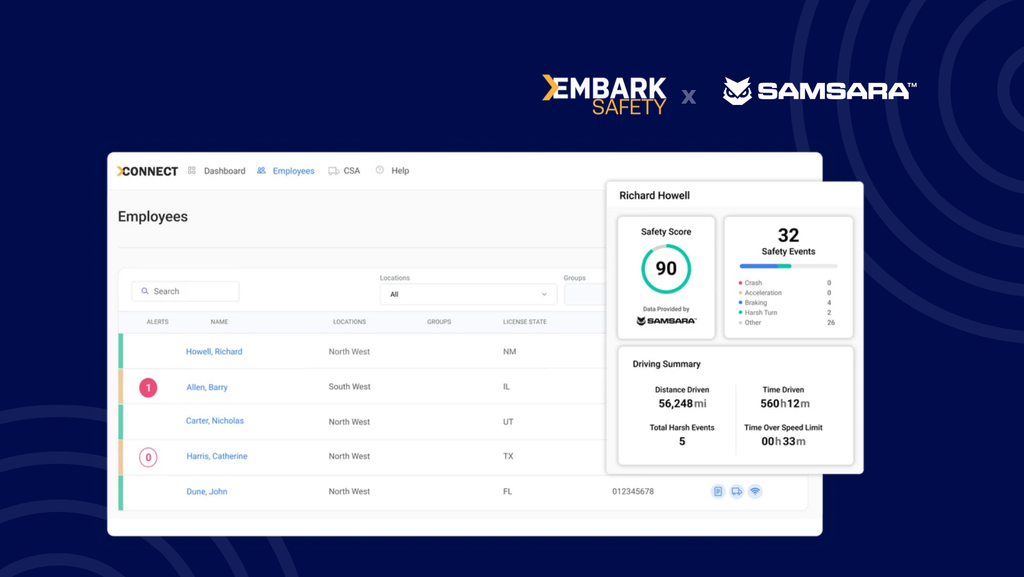
Embark Safety’s integration with Samsara brings driver safety events and scores into Embark Connect, where teams can review them alongside MVR changes, driver qualification file compliance, and CSA inspection reports.
With this information in one driver profile, managers can spend less time switching between systems and more time reviewing safety concerns, coordinating follow-up, and documenting their response.
Want a more complete view of driver risk? Explore Embark Safety’s platform to see how connected driver information can support your safety process.
*We are not lawyers. Consult with your legal counsel to ensure your processes and procedures meet/ or exceed safety standards and compliance regulations. Please read our legal disclaimer.